Knighn docs
What Knighn is, and where to start.
Knighn is a design editor where every design is code: TSX with Tailwind classes, in one .html file that draws itself. You design on a canvas in the Mac app or the web app, your agent edits the same design through MCP, and the knighn command line tool imports, exports and checks designs from Terminal.
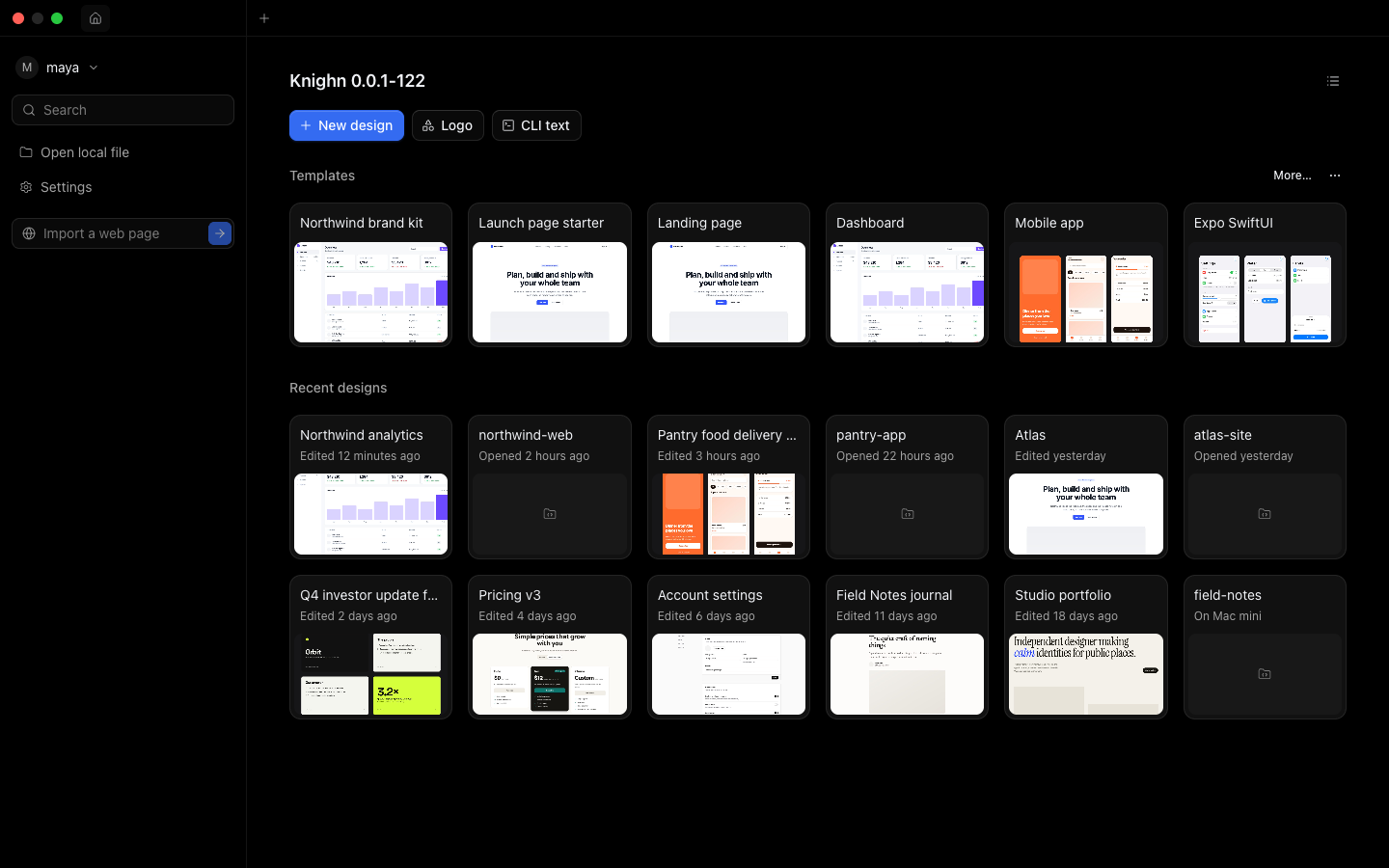
Start here
- Install Knighn: the Mac app, the web app and the command line tool.
- Connect an agent: Claude, ChatGPT, Cursor, Claude Code or Codex.
- Command line: every
knighncommand.
What a design is
A design is a set of screens on pages. Each screen is a React component written in TSX, styled with Tailwind classes, so what you draw is code you can ship. A design saves to your Knighn account (on Knighn), to a file on your Mac (Local), or to a folder of React source in a code project (knighn init).
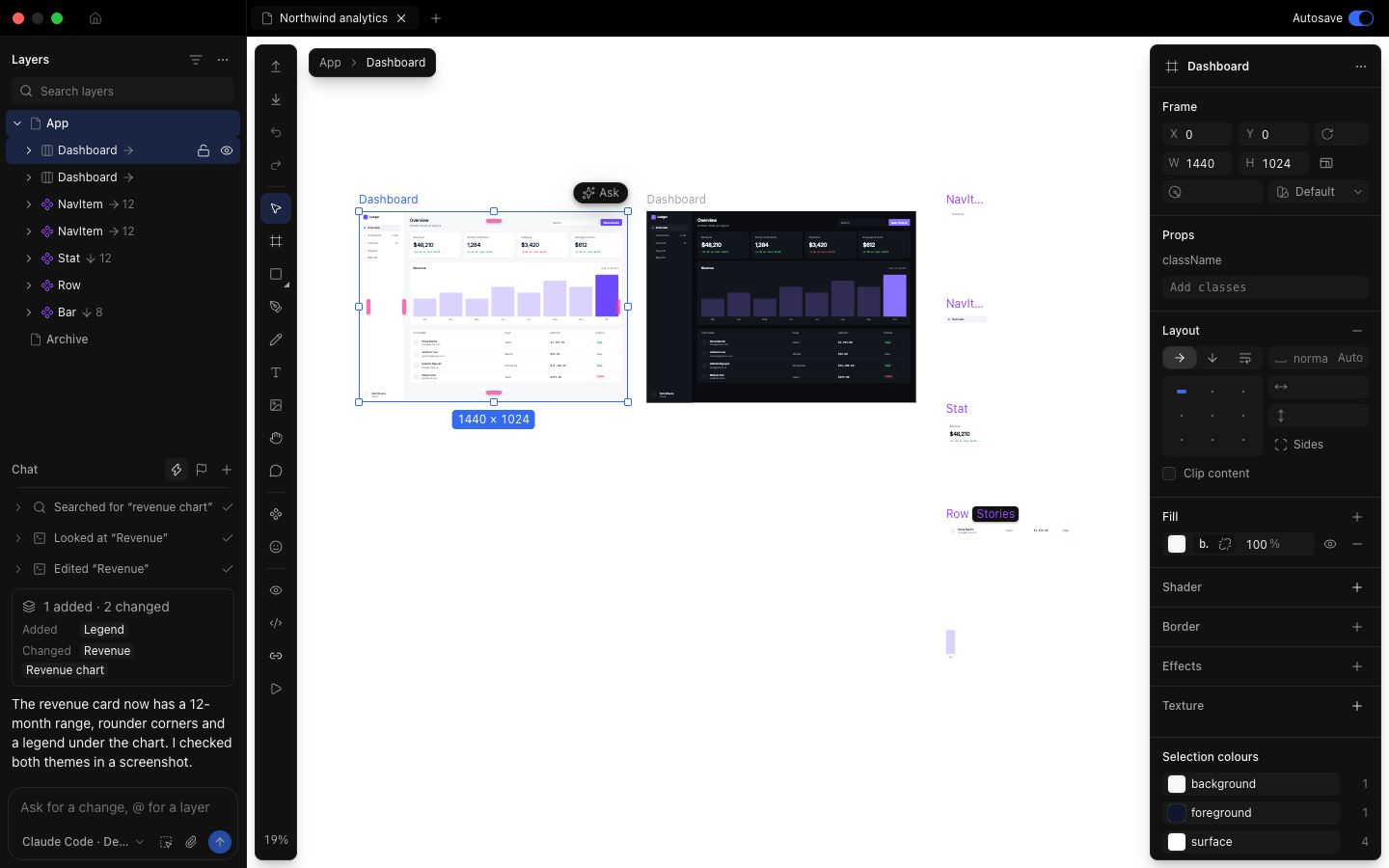
Where Knighn runs
- The Mac app has everything: the native menus, project tabs on your own code, imports from Safari and the iOS Simulator, and the command line tool.
- The web app at app.knighn.com opens the same designs. A few features need the Mac app; Settings marks each one.
- Agents reach your designs through one MCP address, with two tools:
searchandexecute. Each design also has a chat with Claude Code or Codex, under its layers.