Open your app in a project tab
Edit your Next.js, Vite, TanStack Start or Expo app on Knighn's canvas, with the changes written to your code.
A project tab shows each page of your app as a screen on the canvas, drawn by the project's own dev server. Select an element and change it in the panels: Knighn writes the change to your source files at once, on whatever branch you are on. It makes no commit, push or branch.
Open it
- In the Mac app: File > Open Project… (
⇧⌘O), or Home. - From Terminal, in the project folder:
knighn open
- A project on another of your Macs: File > Open Project on Another Mac…, once that Mac shares the folder in Settings > Devices & Connections (on the web).
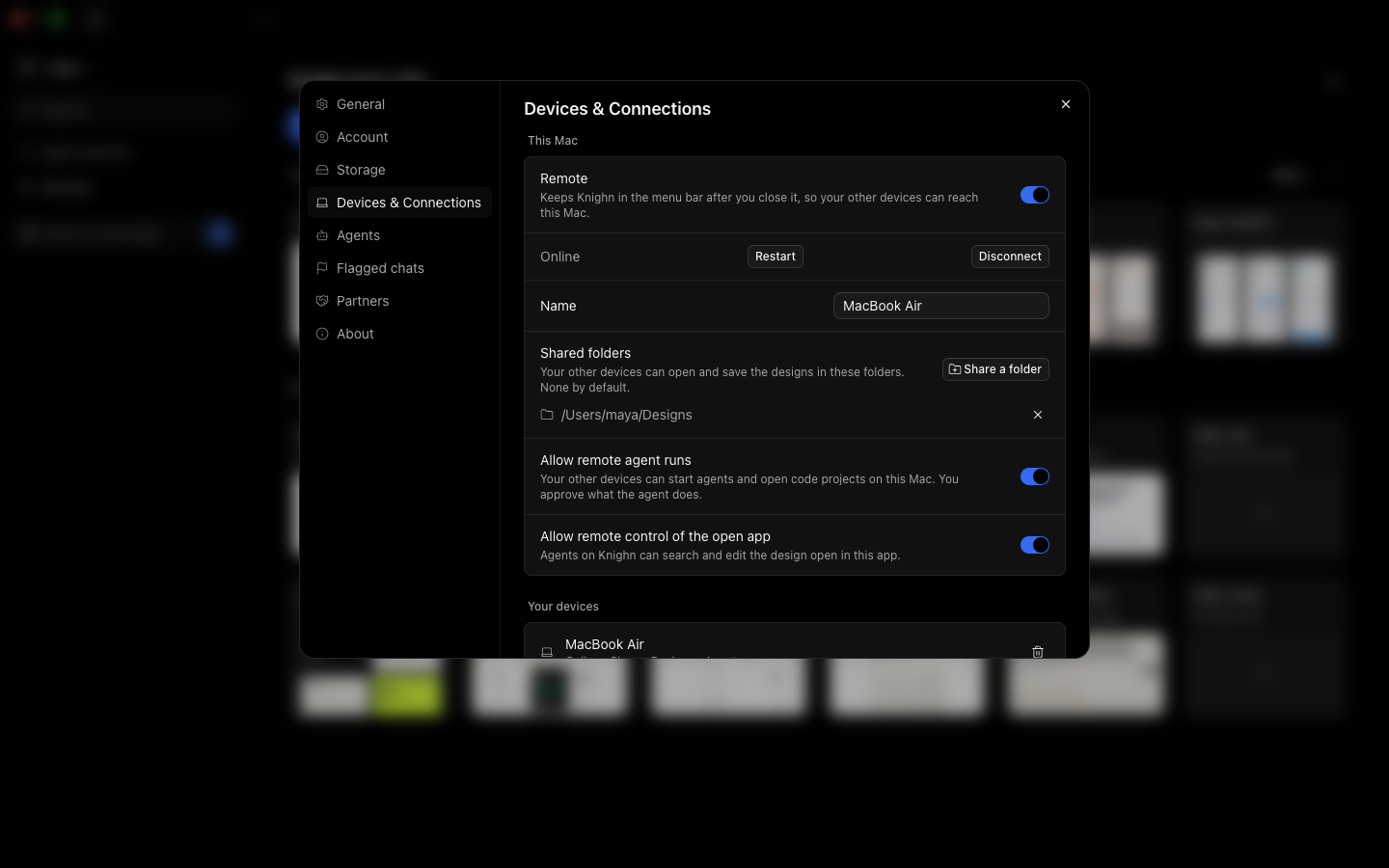
Knighn finds the framework, the package manager and the routes, and installs the packages when node_modules is missing. Its own files go to node_modules/.knighn/; it does not change your project to add them.
Change code from Terminal
knighn edit makes the same edits as the canvas, by a query, so a script or an agent can change JSX without a text replace:
knighn edit "src/**/*.tsx" --select 'button:text("Buy")' --classes "bg-black text-white"
When the project is open in Knighn, the edit goes through the app as one undo step.
Ask an agent
The project tab's chat runs Claude Code or Codex in the project, with the Knighn tools for the canvas you see: the selected elements with their source lines, screenshots of each route, and proposals that show a change before and after for you to accept.